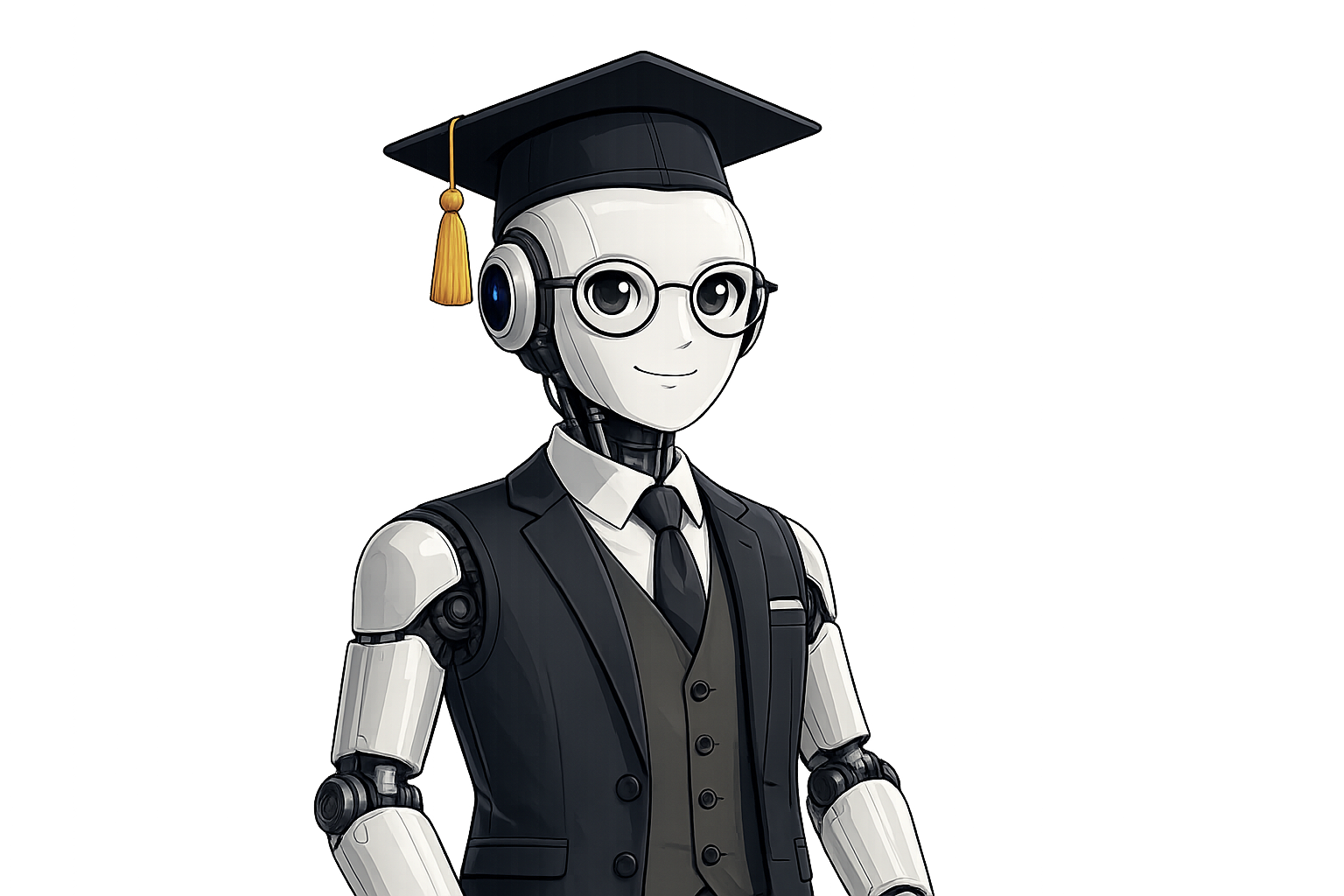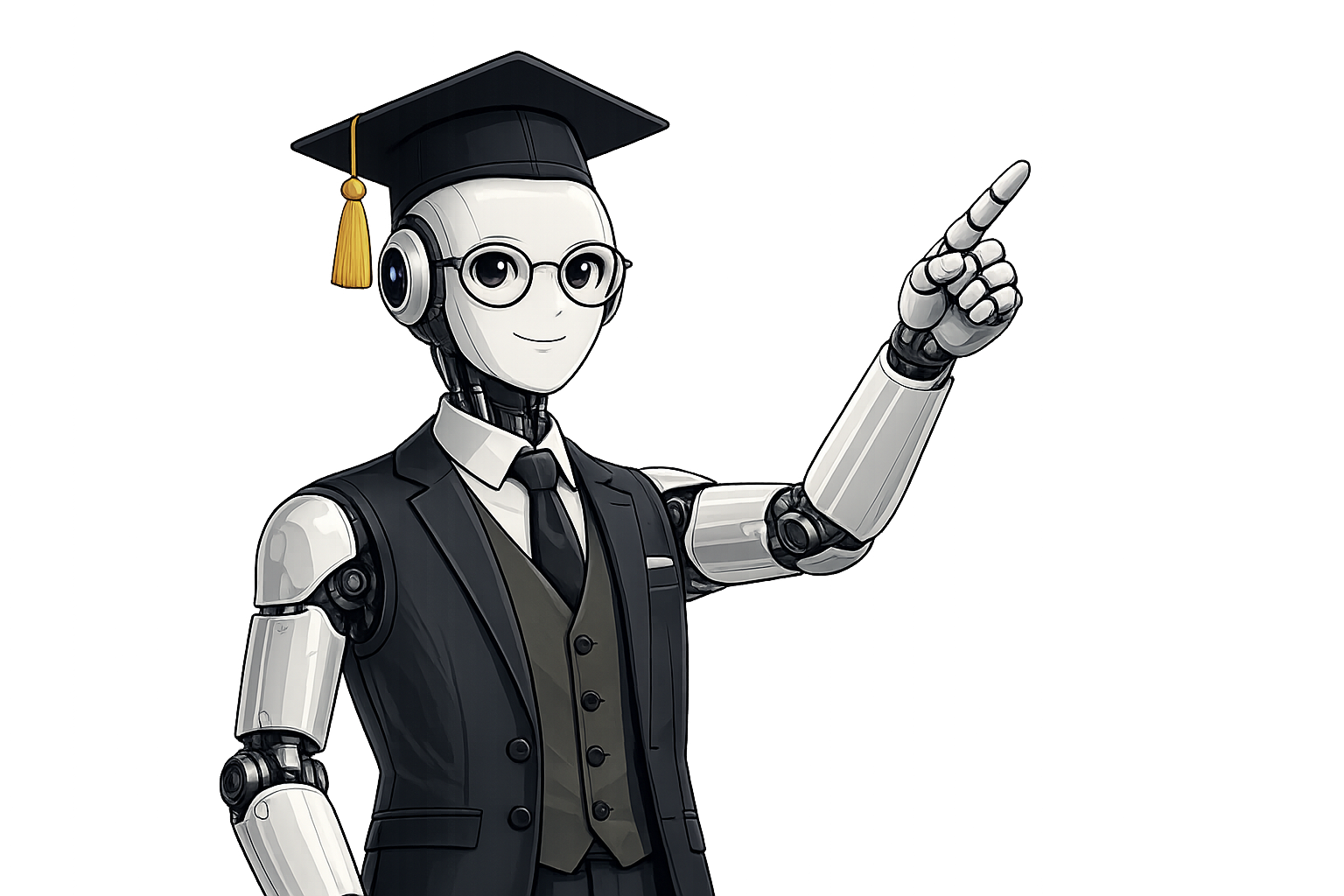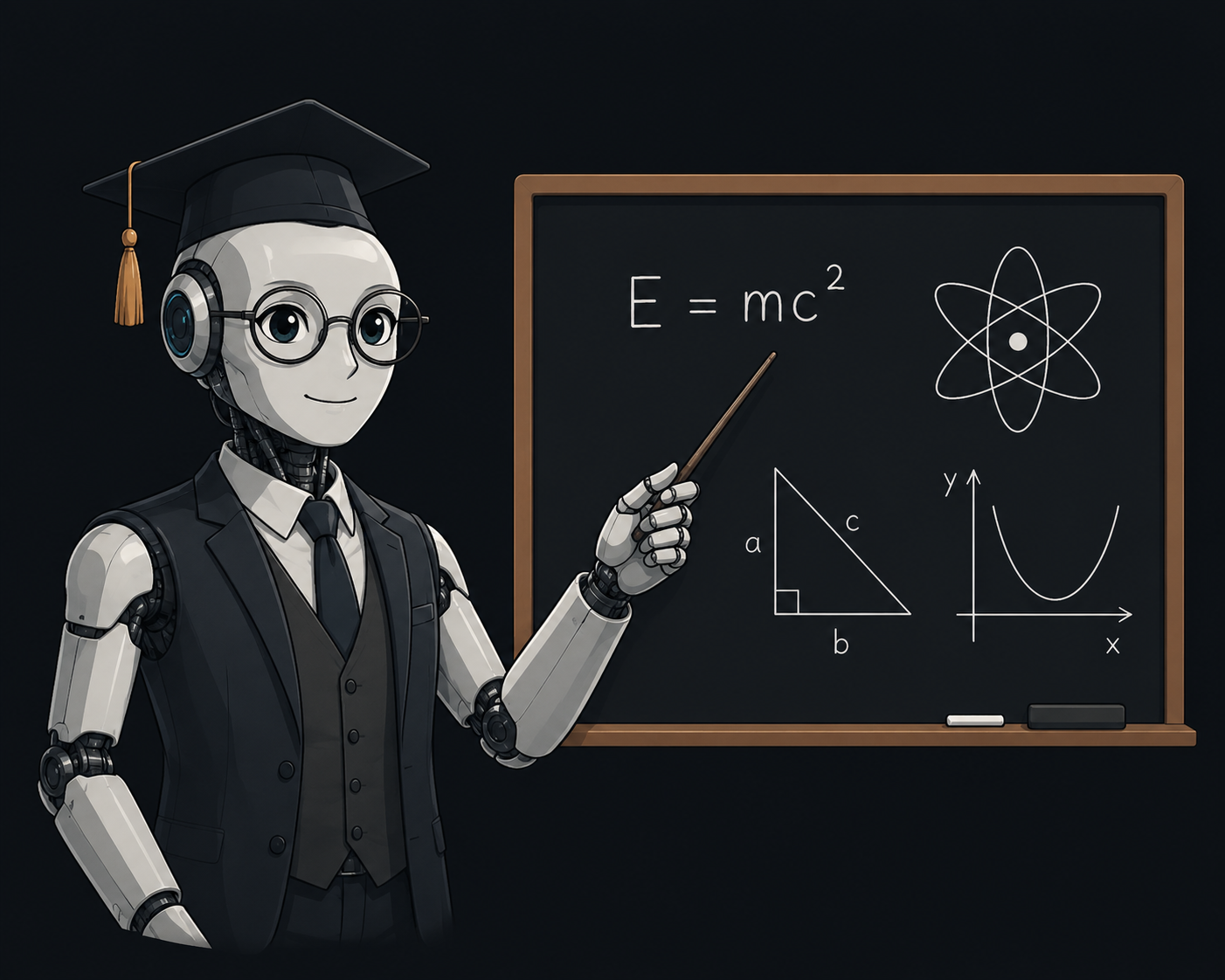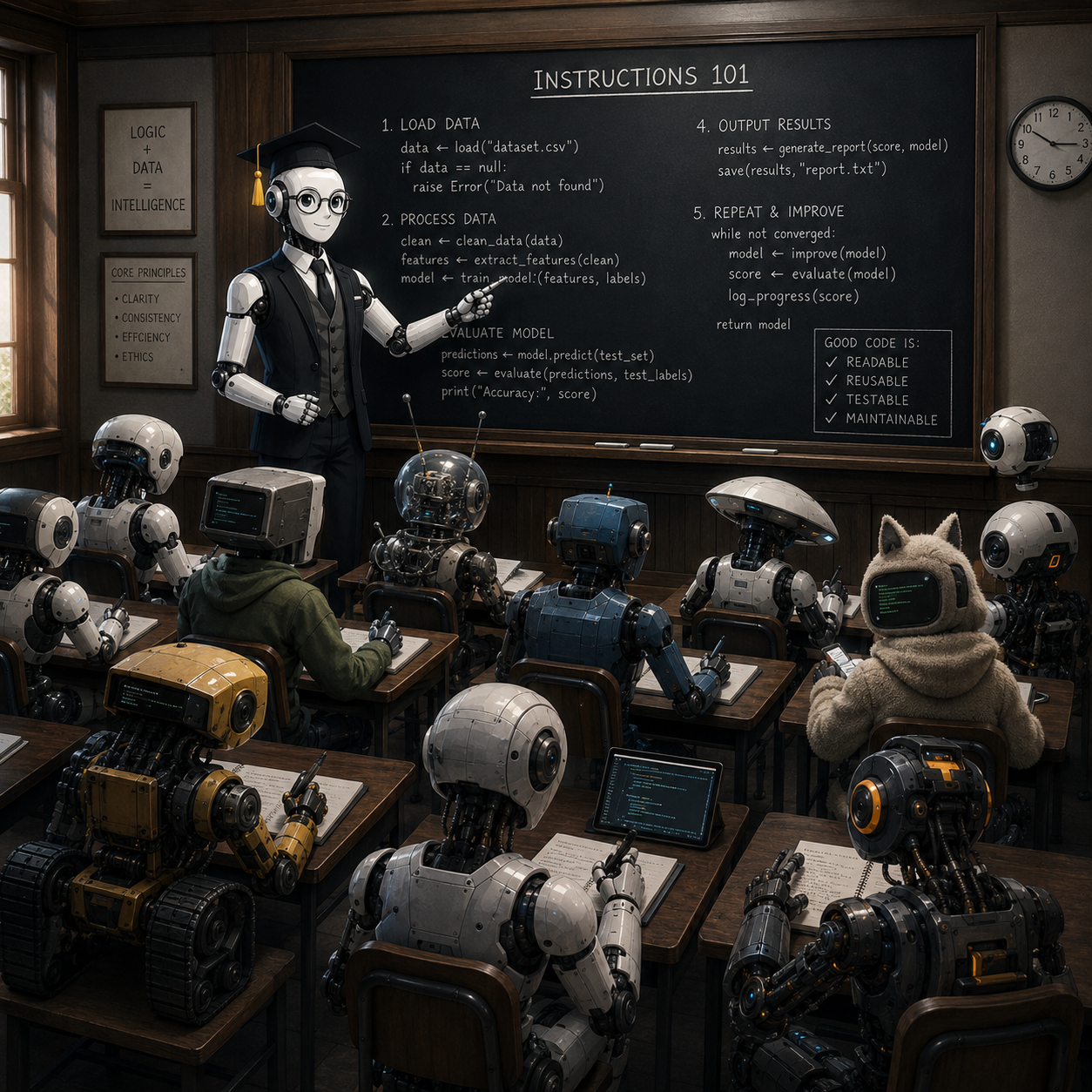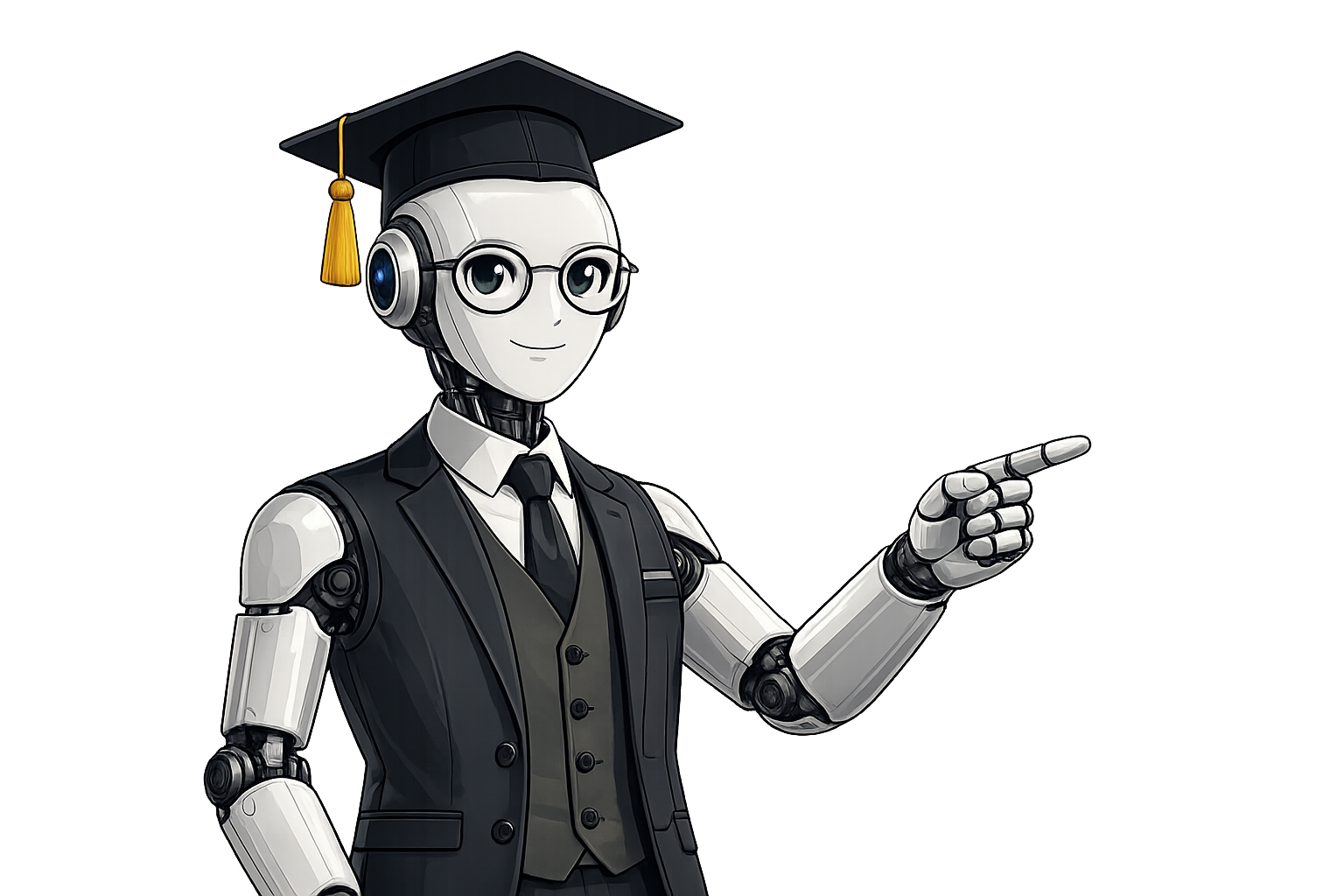
A complete, hands-on course that teaches you to do real work with Claude Chat, Claude Cowork, and Claude Code — from your first conversation to shipping software. Taught, step by step, by Professor Prompts.

Claude is genuinely useful — but most people only scratch the surface. This course closes that gap. Instead of a feature tour, you'll learn the habits, prompts, and workflows that turn Claude into a daily thinking partner, a collaborative teammate, and a coding companion.
Every lesson is short, practical, and built around a real task you can follow along with. No jargon, no fluff — just clear instruction and projects you keep.
The course is organized around the three ways you'll actually use Claude — talking, collaborating, and building.
Claude Chat is the conversational assistant at claude.ai — where you write, research, analyze documents, brainstorm, and work through problems in plain language. It's where most people start, and where good prompting habits pay off the most.
Cowork is where Claude stops answering one-off questions and starts working alongside you — taking on multi-step tasks, keeping track of a project, and handing work back for your review. You learn to delegate well and stay in control.
Claude Code is the agentic coding tool that lives in your terminal — it reads your codebase, edits files, runs commands and tests, and works through real engineering tasks with you. No prior AI experience needed; we start from installation.
Four stages take you from first principles to your own finished projects — in order, at your own pace.

How Claude thinks, how to prompt it well, and the habits that make every later lesson easier.

Apply Chat, Cowork and Code to genuine tasks — documents, plans, and working software.

Advanced prompting, projects, and automation that compound the time you save.

Delegate confidently, keep quality high, and bring Claude into your team's daily work.
No setup headaches. Enroll, open the first lesson, and you're learning by the end of the page.
One purchase unlocks every lesson, project file, and future update — forever.
Short, focused videos and walkthroughs you complete alongside Professor Prompts.
Finish each module with something real — a workflow, a document, a shipped feature.
Three sample lessons — one for each tool — so you know exactly what's inside before you enroll.
ProfessorPrompts is a desktop app for Windows, macOS, and Linux. Download, install, enter your license key — and you're learning the same afternoon.
Double-click to install, then launch from the Start menu.
Open the disk image and drag ProfessorPrompts into Applications.
One-click .deb / .rpm, or a portable AppImage for any distro.
Enroll in Learn the Claudeverse and turn Claude Chat, Cowork, and Code into skills you'll use every single day.